






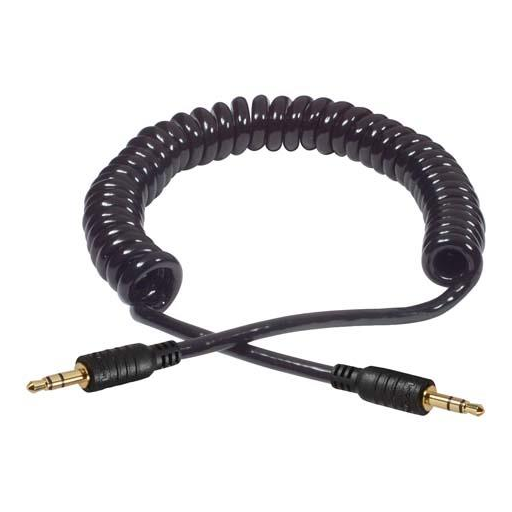
Most audio equipment relies on small components that drastically affect performance and user experience. The spiral audio cable—also known as a coiled 3.5mm stereo headphone cable—is one such essential accessory. Whether you’re a professional audio engineer, a casual listener, or someone seeking versatile connectivity options, understanding spiral cables can help you make informed decisions. This comprehensive guide explores the qualities, benefits, and applications of spiral audio cables, helping you choose the perfect cable for your specific needs.
Introduction to Spiral Audio Cables
What is a Spiral Audio Cable?
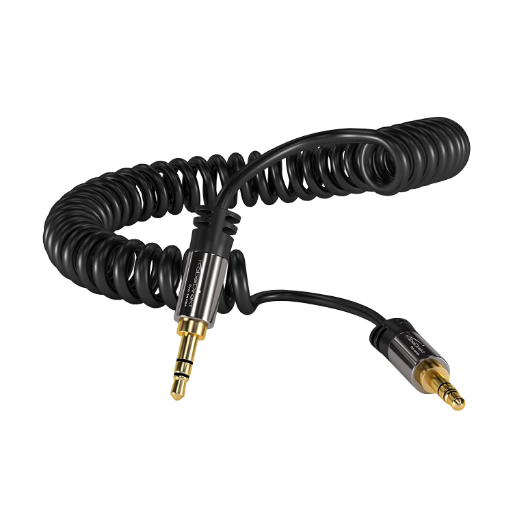
A spiral audio cable, commonly referred to as a coiled cable, is a type of audio connector designed to expand and retract naturally due to its helical construction. This unique design provides exceptional versatility and easy handling across multiple applications, particularly where mobility and space-saving are essential considerations. These cables are manufactured using flexible plastic compounds engineered for long-term durability.
The primary function of a coiled cable is to allow stretching both in length and movement without becoming tangled or twisted. This characteristic makes spiral cables invaluable in recording studios, live performance settings, or any environment where cables need to remain organized while providing freedom of movement. Unlike standard straight cords, the automatic recoiling feature creates a more compact storage option when traveling or when space is limited.
🔑 Key Design Advantage
The helical arrangement minimizes the risk of cable damage by distributing tension evenly throughout the coil. When stretched, the cable absorbs stress gradually, and when released, the recoiling action prevents strain from concentrated points—significantly extending cable lifespan while maintaining clear audio transmission quality.
Benefits of Using Coiled Cables
Exceptional Flexibility
The coiled structure allows cables to extend effortlessly without tangling, enabling better workspace organization and reducing tripping hazards in professional environments like studios and live performances.
Enhanced Durability
The spiral design alleviates stress on the cable, preventing damage from daily wear and tear. Cables can withstand frequent extensions and retractions without degrading performance over time.
Space Efficiency
When not in use, the compact coiled structure requires minimal storage space, making these cables ideal for travel or setups with limited room.
Tangle Prevention
The natural coiling action prevents the common frustration of tangled cables, saving time and maintaining cable integrity for long-term use.
Applications of 3.5mm Stereo Audio Cables
The 3.5mm stereo audio cable serves as a universal connector for transferring high-quality audio signals across a wide range of devices. Its versatility makes it indispensable in numerous settings:
The simplicity and widespread compatibility of the 3.5mm connector ensure its continued relevance across both everyday and specialized audio applications.
Features of High-Quality Coiled 3.5mm Cables
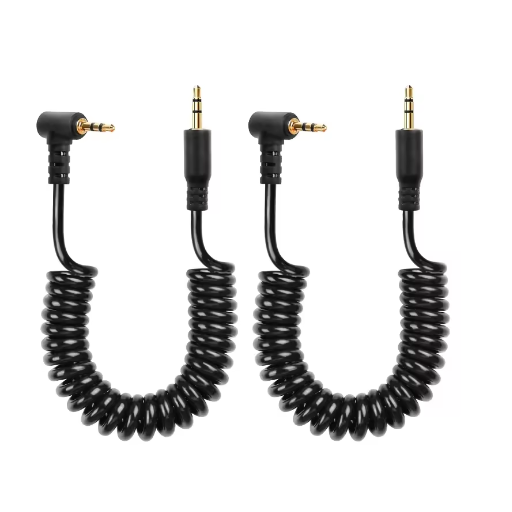
Material and Durability Considerations
The quality of a 3.5mm coiled cable depends significantly on its construction materials and design elements. Understanding these factors helps in selecting cables that deliver optimal performance over extended periods.
✅ Quality Materials Checklist
- Copper or Oxygen-Free Copper (OFC) Core: Provides excellent conductivity and minimal signal loss during audio transmission
- Gold-Plated Connectors: Offers corrosion resistance and maintains excellent conductive properties over time
- Braided or PVC Outer Covering: Protects against stretching, abrasion, and environmental damage
- Strain Relief at Connection Points: Prevents breakage from repeated bending and pulling
- Quality Shielding: Blocks electromagnetic interference for clean signal transmission
Cable Length and Extension Options
Selecting the appropriate cable length requires balancing functionality with practical considerations:
Short Cables
Pros: Minimal clutter, neat appearance, ideal for compact setups
Cons: Limited flexibility and mobility range
Long Cables
Pros: Greater flexibility, connects devices across broader distances
Cons: Potential tangling, storage challenges, possible signal loss
💡 Pro Tip: Extension Cables
When extra length is needed without replacing your entire cable, quality extension cables offer a convenient solution. Ensure the extension specifications match your original cable to maintain performance and prevent signal degradation. For runs exceeding 100 feet, consider cables specifically designed for long-distance transmission with proper shielding.
Coiled vs. Straight Cables: Which is Better?
The choice between coiled and straight cables ultimately depends on your specific use case and personal preferences. Each design offers distinct advantages suited to different environments.
🎯 Quick Decision Guide
Choose Coiled Cables if: You need mobility, want to avoid tangles, value flexibility, work in studios, or travel frequently with your audio equipment.
Choose Straight Cables if: You need maximum distance coverage, prefer permanent installations, route cables along walls or floors, or require the lightest possible weight.
Choosing the Right Stereo Audio Cable for Your Needs
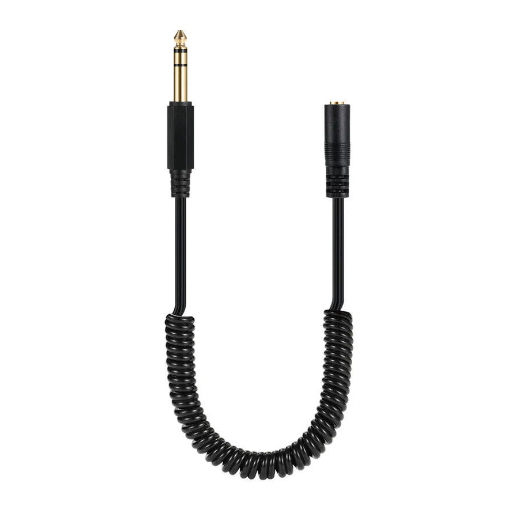
Device Compatibility
Selecting a stereo audio cable compatible with your devices is crucial for optimal performance. Different devices feature varying input and output connectors, including 3.5mm jack pins, RCA connectors, and TRS/TS plugs. Before purchasing, verify which connectors your devices require.
🔌 Compatibility Considerations
- Professional audio equipment often requires balanced cables to reduce noise and interference
- Consumer devices typically work well with standard unbalanced cables
- Ensure connectors fit securely to maintain signal integrity
- Consider right-angle connectors for tight spaces or to reduce strain on ports
Audio Quality and Signal Strength
For those seeking the best audio experience, understanding how cable construction affects sound quality is essential. The conductivity of internal wiring directly impacts signal strength and clarity.
High-quality spiral aux cables typically feature copper cores—often with gold-plated connectors—to ensure superior signal transmission with reduced resistance. This design minimizes signal degradation that can otherwise manifest as interference, noise, or distortion during playback. Additionally, well-shielded cables effectively block electromagnetic interference, guaranteeing a cleaner, more enjoyable listening experience.
Price vs. Performance Analysis
Budget Cables
$5-15
Basic audio transmission; may experience quality inconsistency
Mid-Range Cables
$15-40
Best value; good shielding, durability, and performance balance
Premium Cables
$40+
Top-tier materials; ideal for audiophiles and professionals
A cable’s performance primarily depends on construction materials, insulation quality, shielding effectiveness, and overall durability—not merely price. Focus on specifications that match your usage requirements rather than brand prestige alone.
Installation and Usage Tips
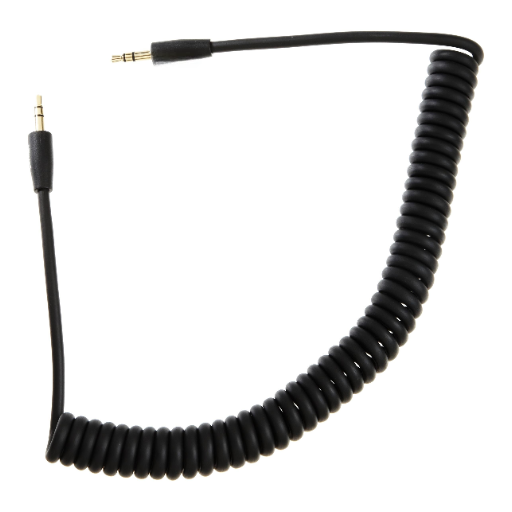
How to Properly Connect Auxiliary Cables
Power Off Both Devices
Before connecting the auxiliary cable, turn off both devices to prevent interference, static noise, or potential damage from power surges.
Insert the Cable
Connect one end of the auxiliary cable to the headphone output or audio output port on your source device (smartphone, tablet, or audio player). Attach the other end to the input jack on the receiving device (speakers, car stereo, etc.). Ensure connections are secure and fully seated.
Test the Connection
Power on both devices and select the correct input mode on the receiving device (commonly labeled AUX or Line-In). Play an audio track and adjust volume levels on both devices. If audio doesn’t play, verify secure connections and ensure both devices are functioning correctly.
Best Practices for Cable Maintenance
Proper maintenance significantly extends cable lifespan and ensures consistent audio performance. Following these practices will help protect your investment:
🤲 Careful Handling
- Avoid excessive bending, twisting, or pulling
- Hold connectors (not the cord) when disconnecting
- Prevent stress concentration near connection points
📦 Proper Storage
- Use hooks, Velcro straps, or cable organizers
- Avoid wrapping cables too tightly
- Store in cool, dry places away from direct sunlight
🔍 Regular Inspection
- Check for frayed insulation or exposed wiring
- Look for bent or damaged connectors
- Replace compromised cables immediately
🧹 Cleaning Routine
- Wipe connectors with clean, dry cloth
- Use contact cleaner for stubborn buildup
- Remove dust and debris from connection points
Common Issues and Troubleshooting
While spiral AUX cords offer excellent flexibility and convenience, certain issues may arise with use. Here’s how to identify and resolve the most common problems:
Future Trends in Audio Cable Technology
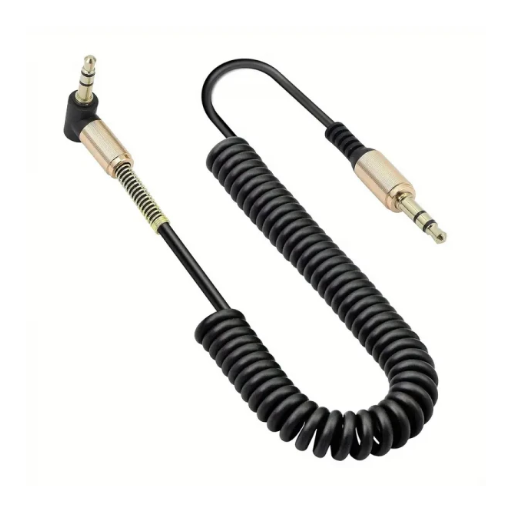
Innovations in Coiled Cable Design
Recent innovations in coiled cable design focus on improving both durability and performance through advanced materials and engineering:
🔬 Advanced Materials
New elastic nylon composites and thermoplastic elastomers offer superior flexibility while maintaining structural integrity over thousands of extension cycles.
📐 Optimized Geometry
Enhanced coil designs balance tension and flexibility perfectly, allowing full extension without material stress while preventing kinking.
🤖 Smart Technology
Emerging prototypes feature built-in sensors monitoring tension, temperature, and wear patterns for predictive maintenance alerts.
Impact of Wireless Technology
The rise of wireless audio technology has undeniably influenced the cable market. Bluetooth and Wi-Fi audio solutions offer convenience and mobility that appeal to many consumers. However, wired connections—including coiled cables—maintain significant advantages in scenarios requiring maximum audio fidelity, zero latency, and reliable signal transmission.
The Future of 3.5mm Connections
While manufacturers increasingly adopt wireless technologies, the 3.5mm audio connector remains valuable for several reasons:
- Professional audio production requires the latency-free, interference-free signal transmission that wired connections provide
- Legacy device compatibility ensures continued demand across countless existing products
- Audiophiles value the superior sound fidelity possible without digital compression
- Reliability and simplicity appeal to users who prioritize function over wireless convenience
The most likely future scenario involves coexistence: wireless for casual, mobile use, and wired connections (including spiral cables) for professional applications and enthusiast setups where quality cannot be compromised.
Frequently Asked Questions (FAQ)
📚 References
- Development and Implementation of a Machine Vision System for Error Detection in an Automated Fiber Optic Coilwinder – Research on spiral/helical winding mechanics applicable to cable design-Read the paper here
- Cord UIs: Controlling Devices with Augmented Cables – MIT publication discussing cable types and configurations, including spiral designs
- Get Your Solar Cable Needs Covered with JOCA – Your Trusted Supplier